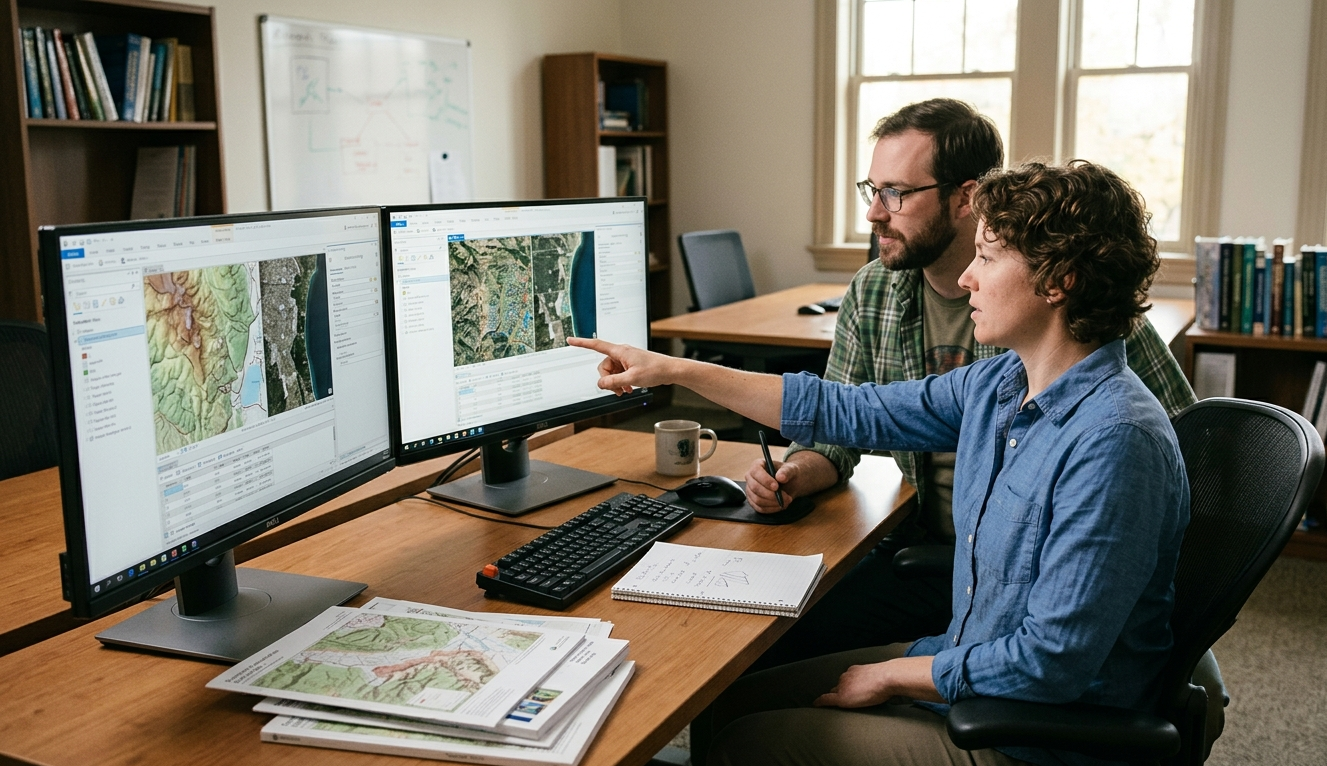

ArcGIS Pro for GIS Professionals
Course Description
ArcGIS Pro is Esri’s flagship desktop GIS application, integrating 2D, 3D, data management, spatial analysis, and cartography within a single modern environment. This course is designed for GIS professionals who want to transition from ArcMap or enhance their ArcGIS Pro skills, enabling them to efficiently manage geospatial data, perform advanced analyses, create professional maps, and integrate GIS workflows with enterprise and web GIS platforms. The training emphasizes hands-on practice, real-world scenarios, and best-practice workflows aligned with industry standards.
The Training Course Will Highlight ?

Prerequisites:
• Basic GIS concepts (layers, projections, attribute tables)
• Familiarity with ArcGIS Desktop or equivalent GIS software is recommended

Training Objective

By the end of this course, participants will be able to:

  • Understand the ArcGIS Pro architecture and project-based workflow
  • Manage spatial and non-spatial data using geodatabases
  • Create, edit, and validate GIS data efficiently
  • Perform advanced spatial analysis and geoprocessing
  • Design high-quality 2D and 3D maps and layouts
  • Automate GIS tasks using ModelBuilder and Python (ArcPy)
  • Integrate ArcGIS Pro with ArcGIS Online and Enterprise
  • Apply GIS best practices to professional projects

Target Audience

This course is intended for:

  • GIS Analysts and GIS Specialists
  • GIS Engineers and GIS Officers
  • Spatial Data Analysts
  • Surveyors and Cartographers
  • Urban Planners and Environmental Professionals
  • Infrastructure, Utilities, and Asset Management Staff
  • Professionals transitioning from ArcMap to ArcGIS Pro

Training Methods

The course follows a practice-driven methodology, combining:

  • Instructor-led presentations explaining concepts and workflows
  • Hands-on exercises using real-world GIS datasets
  • Step-by-step guided labs in ArcGIS Pro
  • Scenario-based problem solving
  • Daily practical assignments
  • Knowledge checks and discussions
  • Best practices and tips from industry use cases

Each participant will work independently on ArcGIS Pro throughout the course.

Daily Agenda

Day 1
ArcGIS Pro Fundamentals & Project Management

Topics:

  • Introduction to ArcGIS Pro
  • ArcGIS Pro vs. ArcMap (migration concepts)
  • ArcGIS Pro interface and navigation
  • Projects, maps, layouts, scenes, and catalogs
  • Map views and layouts
  • Working with ribbons, panes, and tools

Practical Exercises:

  • Creating and managing ArcGIS Pro projects
  • Navigating maps and layouts
  • Importing ArcMap documents


Day 2
Data Management & Editing

Topics:

  • Spatial data types and formats
  • File geodatabases and feature classes
  • Coordinate systems and projections
  • Adding and managing data sources
  • Table joins and relates
  • Feature editing tools and workflows
  • Topology concepts and validation

Practical Exercises:

  • Creating a geodatabase
  • Editing spatial features
  • Managing attribute data
  • Applying topology rules


Day 3
Spatial Analysis & Geoprocessing

Topics:

  • Spatial analysis concepts
  • Geoprocessing framework in ArcGIS Pro
  • Common analysis tools (buffer, overlay, proximity)
  • Raster vs. vector analysis
  • Using Analysis and Toolboxes
  • Environment settings
  • Geoprocessing history and reproducibility

Practical Exercises:

  • Performing spatial analysis workflows
  • Building multi-step geoprocessing tasks
  • Analyzing real-world datasets


Day 4
Cartography, Visualization & 3D GIS

Topics:

  • Map symbology and labeling
  • Advanced cartographic techniques
  • Layout design for professional map outputs
  • Charts, legends, and scale management
  • 3D scenes and visualization
  • Working with elevation and 3D data

Practical Exercises:

  • Designing professional 2D maps
  • Creating map layouts for print and digital use
  • Building 3D scenes and visualizations


Day 5
Automation, Web GIS & Integration

Topics:

  • Introduction to ModelBuilder
  • Creating automated GIS workflows
  • Introduction to Python and ArcPy
  • Running and modifying Python scripts
  • Sharing maps and layers
  • Publishing to ArcGIS Online / Enterprise
  • Best practices for GIS project delivery

Practical Exercises:

  • Building a ModelBuilder workflow
  • Running Python scripts in ArcGIS Pro
  • Publishing and sharing GIS content
  • Final practical project and review


Course Deliverables:

  • Training slides and lab manuals
  • Sample GIS datasets
  • Automated models and scripts
  • Final practical project
  • Certificate of Completion
Accreditation

CDGA attendance certificate will be issued to all attendees completing minimum of 80% of the total course duration.

Quick Enquiry

Request Info

Download Brochure Request In house Proposal

Course Rounds : (5 -Days)


Code Date Venue Fees Register
CE169-01 05-07-2026 Cairo USD 5450
CE169-02 09-11-2026 Madrid USD 6950
CE169-03 14-12-2026 Istanbul USD 5950
Prices doesn't include VAT

UpComing Date


Details
  • Start date 05-07-2026
  • End date 09-07-2026

Venue
  • Country Egypt
  • Venue Cairo

Quality Policy

 Providing services with a high quality that are satisfying the requirements
 Appling the specifications and legalizations to ensure the quality of service.
 Best utilization of resources for continually improving the business activities.

Technical Team

CDGA keen to selects highly technical instructors based on professional field experience

Strengths and capabilities

Since CDGA was established, it considered a training partner for world class oil & gas institution

Search For Available Course

Ireland, Ireland

3012, Block 3, 30 Euro Business Park, Little Island, Co. Cork, T45 V220, Ireland

+353 214 552955

Mon to Fri 09:00 AM to 06:00 PM

Info@cdga-training.com

Contact Us anytime!